
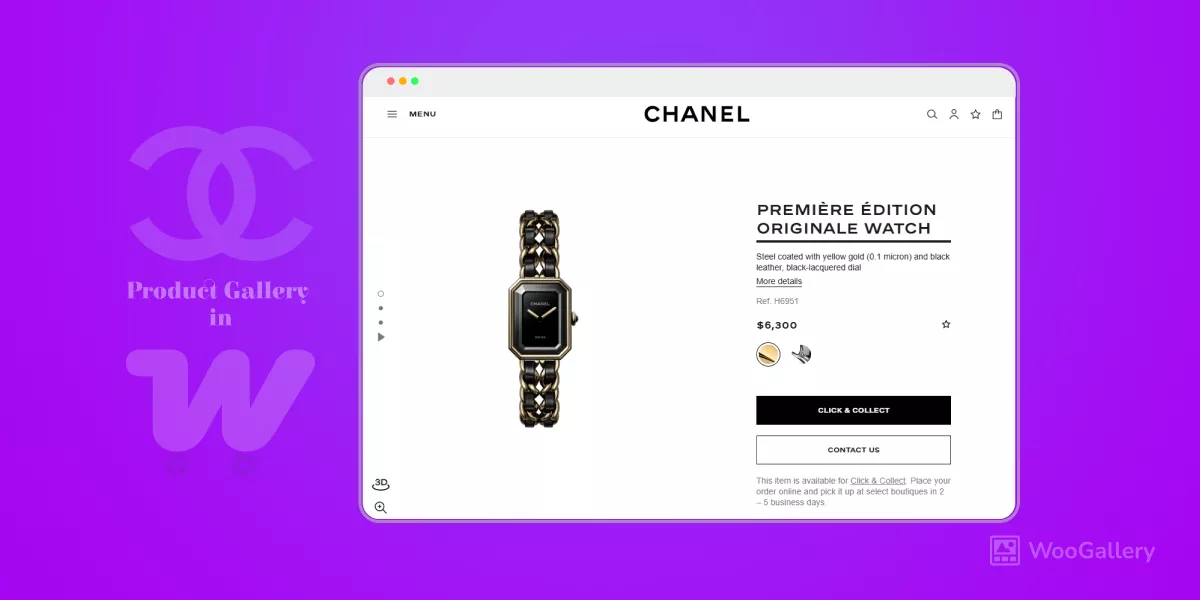
Do you want to elevate your WooCommerce product galleries to the level of Chanel, the world’s #1 luxury fashion brand?
Say goodbye to ordinary WooCommerce galleries that make premium products look ordinary. Your store deserves elegant, sophisticated, and high-converting product galleries that feel truly premium.
In this quick guide, I’ll show you exactly how to make your WooCommerce product galleries like Chanel with a few clicks– in under 5 minutes, with zero coding required.
Let’s upgrade your product galleries that sell.
2 Steps to Make Product Galleries Like Chanel
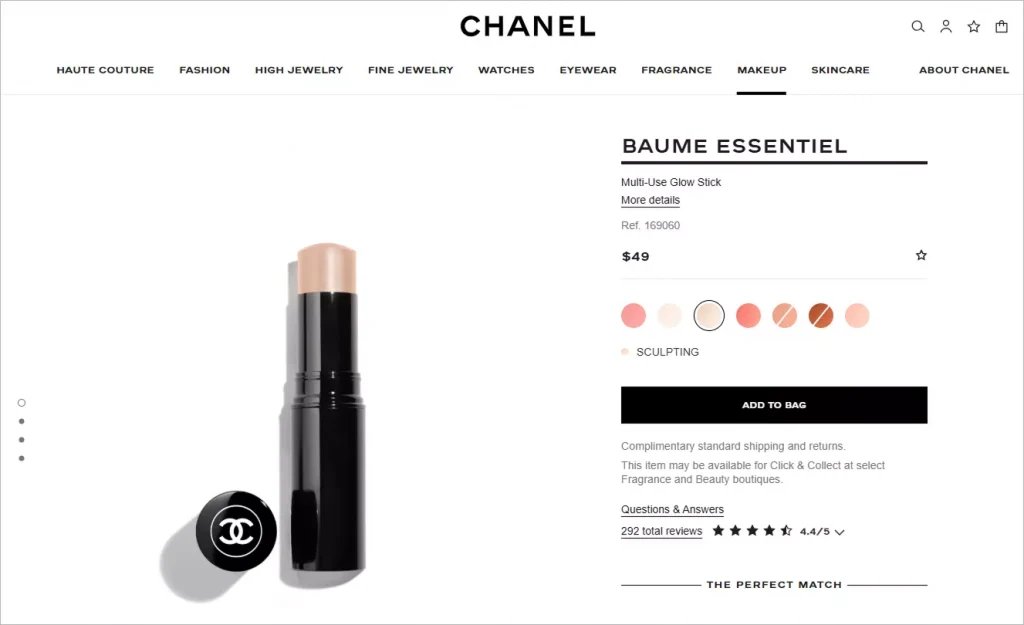
Chanel product galleries use multiple layouts. The most used layout is a vertical scrolling style that delivers a bold, sophisticated visual experience. Building this kind of premium product gallery from scratch can take countless hours of custom coding. The great news is that you can get the gallery completely ready and add it with just a few clicks using WooGallery.
By the way, did you notice Chanel’s product color variation swatches? Pretty cool, right? You can effortlessly add product variation swatches with Smart Swatches.
Step 1: Get WooGallery
WooGallery offers a ready-made Chanel-style product gallery and 15 more sophisticated layouts used by the world’s most prominent brands, such as Louis Vuitton, Adidas, Nike, H&M, and more.
In essence, WooGallery is not only a collection of product gallery layouts, but also a complete WooCommerce product gallery solution trusted by thousands of stores worldwide.

Key features of WooGallery:
- 16+ modern layouts that the world’s top brands, including Chanel, use.
- Different Layouts Per Product or Category.
- Product Videos on galleries, shop pages, and archives
- Advanced product image Zoom & Lightbox
- Additional variation gallery with images and videos
- Easy migration and export/import options
- Complete Customization freedom
Let’s get WooGallery and boost sales with modern product galleries.
If it’s your first time installing a plugin, no worries! Read WooGallery documentation. It’s simple.
Step 2: Choose the Gallery Layout and Customize
After installing and activating WooGallery, go to your WordPress dashboard and follow the click path below.
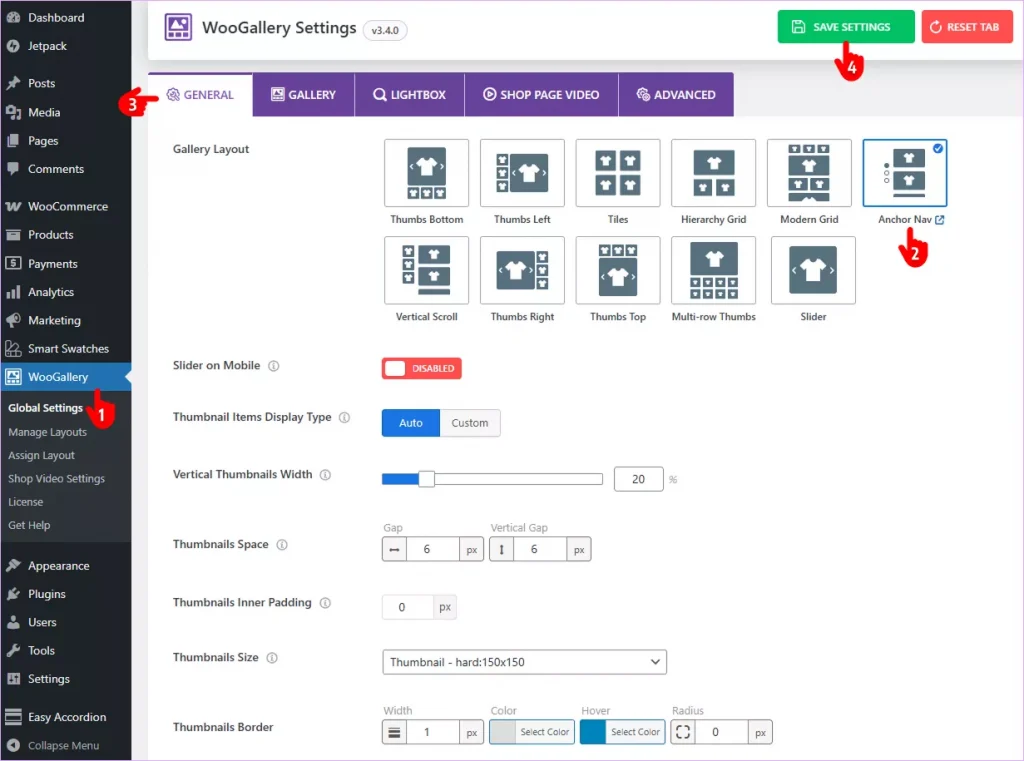
- First, navigate to WooGallery on your WordPress admin sidebar.
- Select the Anchor Navigation layout.
- Explore the tabs and utilize the robust features and customizations to make your product galleries even better.
- Finally, hit the SAVE SETTINGS button.
That’s all! Easier than you thought, isn’t it?
Let’s refresh a product detail page and see the changes.
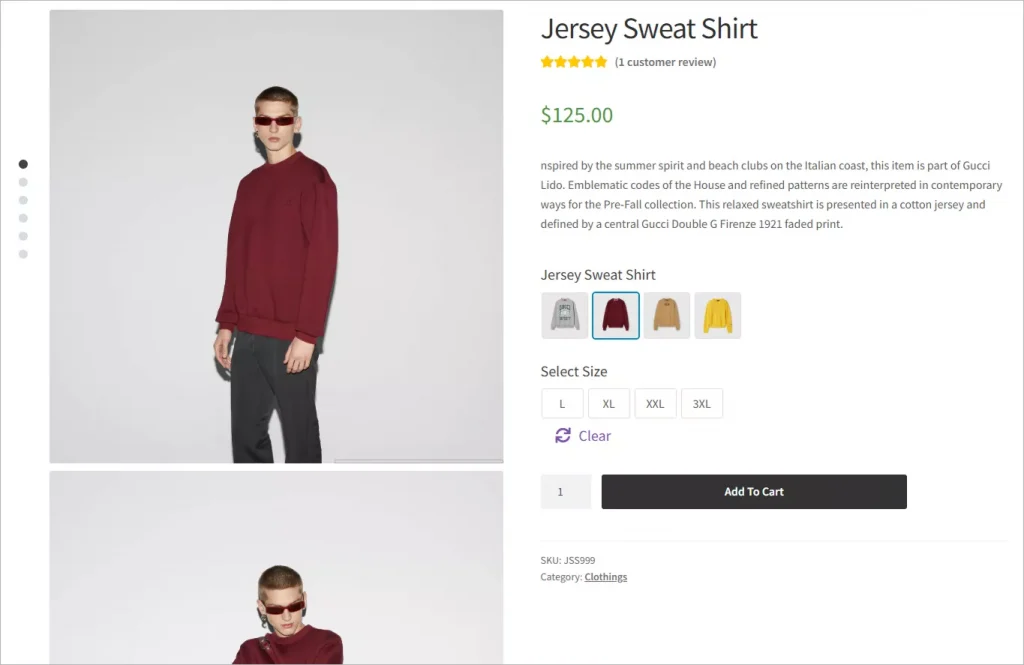
Wow! The product gallery looks bold and elegant!
You can make your product galleries even better with your creative power and Woogallery’s robust features.
So, what are you waiting for? Don’t let another sale slip away with outdated, generic galleries.
Your products deserve to shine like those from the world’s leading luxury brands — captivating shoppers, building instant trust, and turning browsers into buyers faster.
With WooGallery, you can create stunning, high-converting product galleries in minutes — no coding, no hassle, just results.
Upgrade your WooCommerce product gallery now to boost sales today.
You May Like:
Leave a Reply